Estimates
Estimates your client reads and signs on their phone.
Write the estimate once. Your client opens it, approves it with a signature or asks for changes. Then it becomes the deposit and the invoices, with nothing typed twice.
Free sends 5 estimates a month. Pro sends as many as you need, and follows up on estimates your client has not answered.
In plain words
The problem
A price on paper is easy to forget or dispute. A client says "I never agreed to that", and you have nothing to point to.
What you do
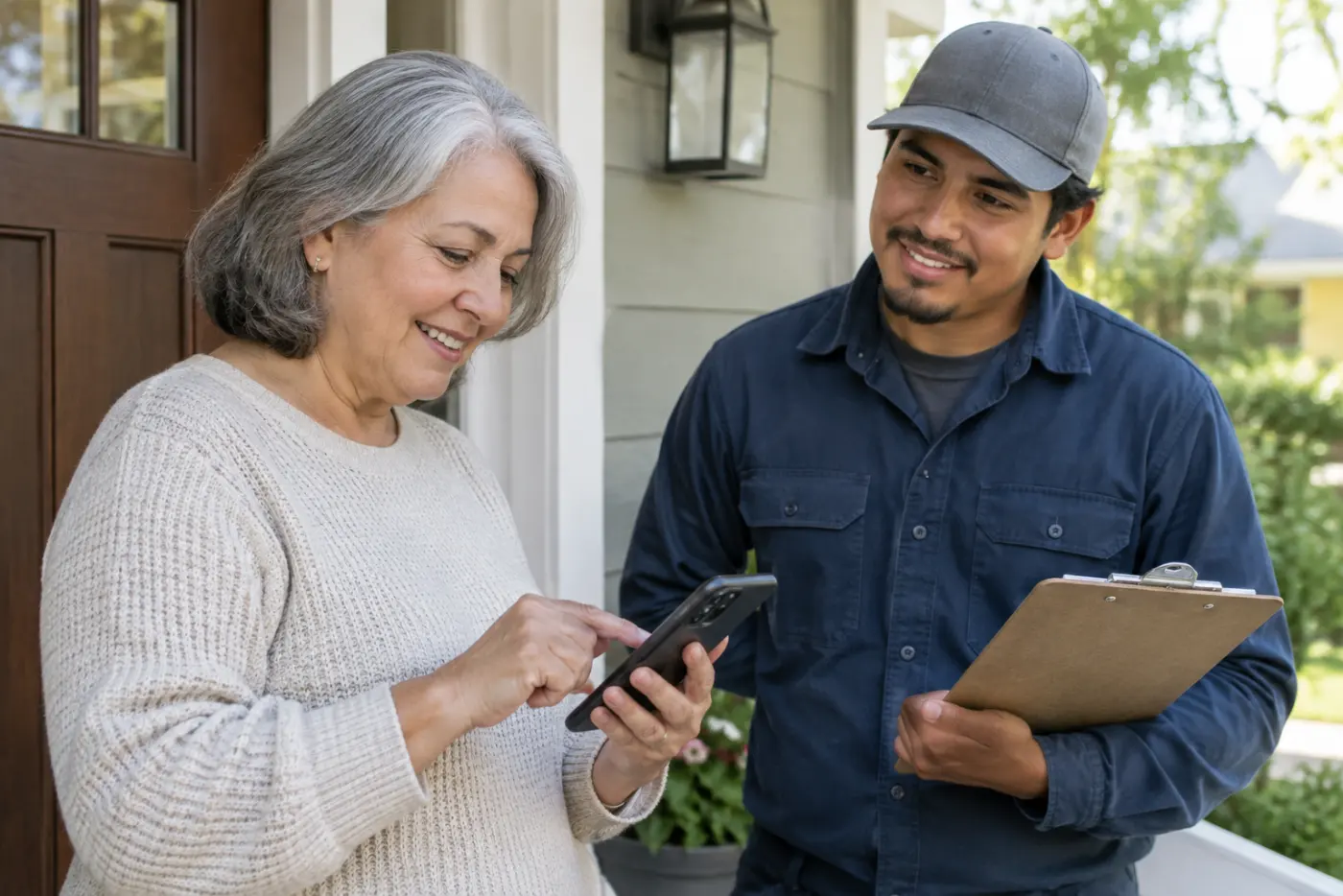
Write the estimate, with each line and the tax. Send it. Your client reads it on their phone and signs with their finger. You can also hand them your phone to sign on the spot.
What you get
A signed estimate with the date on it, saved on the job. Both of you can see what was agreed, and the price on the final invoice starts from it.
How it works

Read this video as text
- Write the estimate. Your client’s copy updates as you type.
- Your client signs on their phone. Your copy shows the signature and Approved.
- 1
Write the estimate
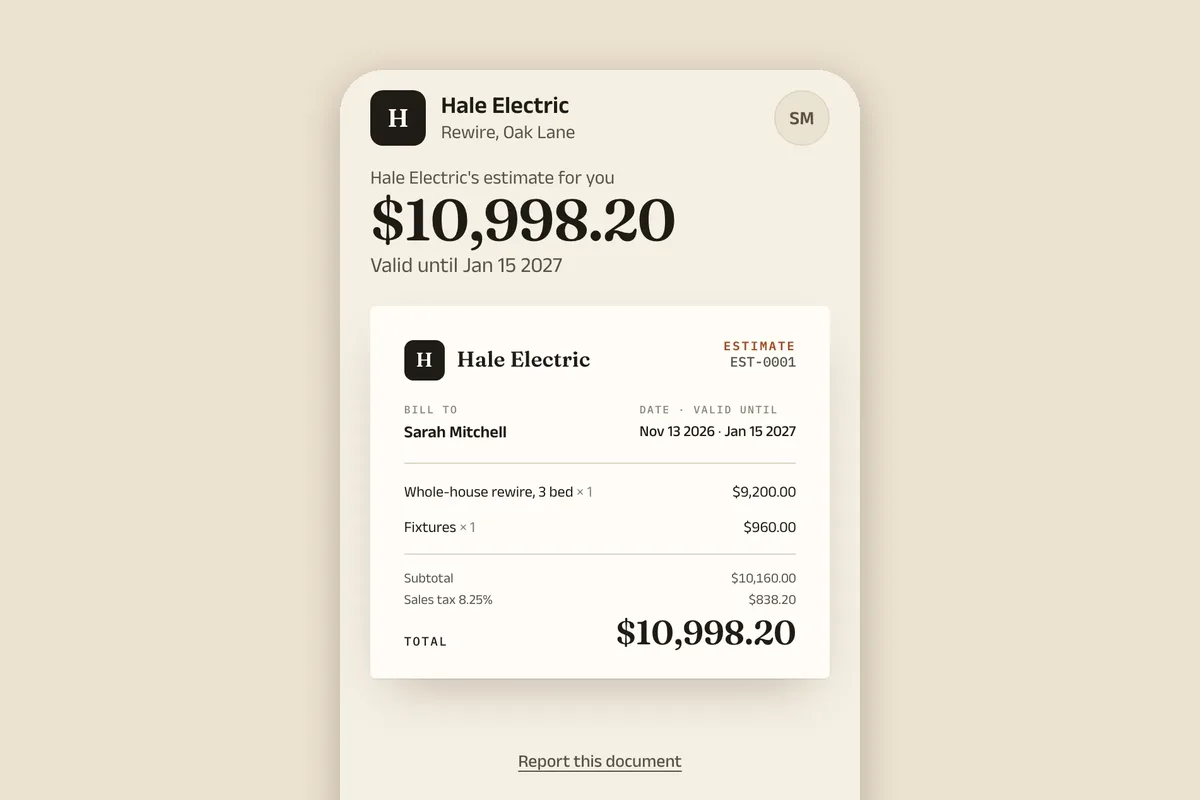
Add your items and labor, sales tax and a valid-until date. Your logo and details are already on it.
- 2
Send it
Send it by email, or share it as a PDF. You see when your client has opened it.
- 3
Your client approves
They sign on their phone, or tap "Ask for changes" and tell you what to fix.

What your client sees
A clean page with your business name, the items, the total and two clear buttons: Approve and sign, or Ask for changes. They can download a PDF.
Agreed means agreed
- The signed estimate is kept with its date and time.
- If you change a sent estimate, your client approves the new version.
- Turning it into an invoice copies every line, so the numbers match.
Questions
Does my client need an account to sign?
No. They open the estimate from your email and sign there.
Can I take a deposit when they approve?
Yes. Send a deposit invoice from the approved estimate.
What if my client wants changes?
They tap "Ask for changes" and write what they want. You edit the estimate and send it again.
Can I add photos?
Yes, you can add photos and your logo.
Send your first estimate today.
Get startedFree plan available. No credit card for Free.